
Designing the First Guided Piano Learning Experience for Indian Musicians
52%
User Engagement
found structured practice easier
1.5K+
Musicians
mastered their first Indian song
Team and Mentors
🎓 2 Founders
🎨 1 UX Designer
🍲 1 Developer
My role
Empathize & Define
Ideate & Prototype
Test & Iterate
Duration
4 Months
Learning Western music is convenient apps like Simply Piano, Skoove paino etc exist. But for an Indian musician wanting to learn Kishore Kumar or A.R. Rahman, the journey is broken. As the Founding Designer of EazyPiano, I transformed a fragmented learning process into a structured, AI-guided ecosystem. I designed a proprietary mobile MIDI player that bridges the gap between casual YouTube tutorials and formal music education.
The Problem
🎹 Why does every app teach The Beatles, but not A.R. Rahman?
I spent 3 days in the field, observing live piano classes (40+ students/batch) and interviewing 16 musicians ranging from beginners to experts. The consensus was clear: existing tools lacked cultural relevance and structure.
“I wanted to learn Kishore Kumar’s songs but every tutorial was scattered or incomplete.”
— A musician
Key Research Insights:
📺
The Content Gap
87% of learners felt YouTube tutorials were unstructured and often musically incorrect.
🏛️
The Overcrowding Issue:
In-person classes were too crowded for personalized attention and home tutor we can not afford
💬
The Feedback Gap
I practice, but I don't know if I'm improving." Without a teacher, learners had no way to validate their accuracy.
😊
No motivation.
I stop because I can’t see my visible progress.
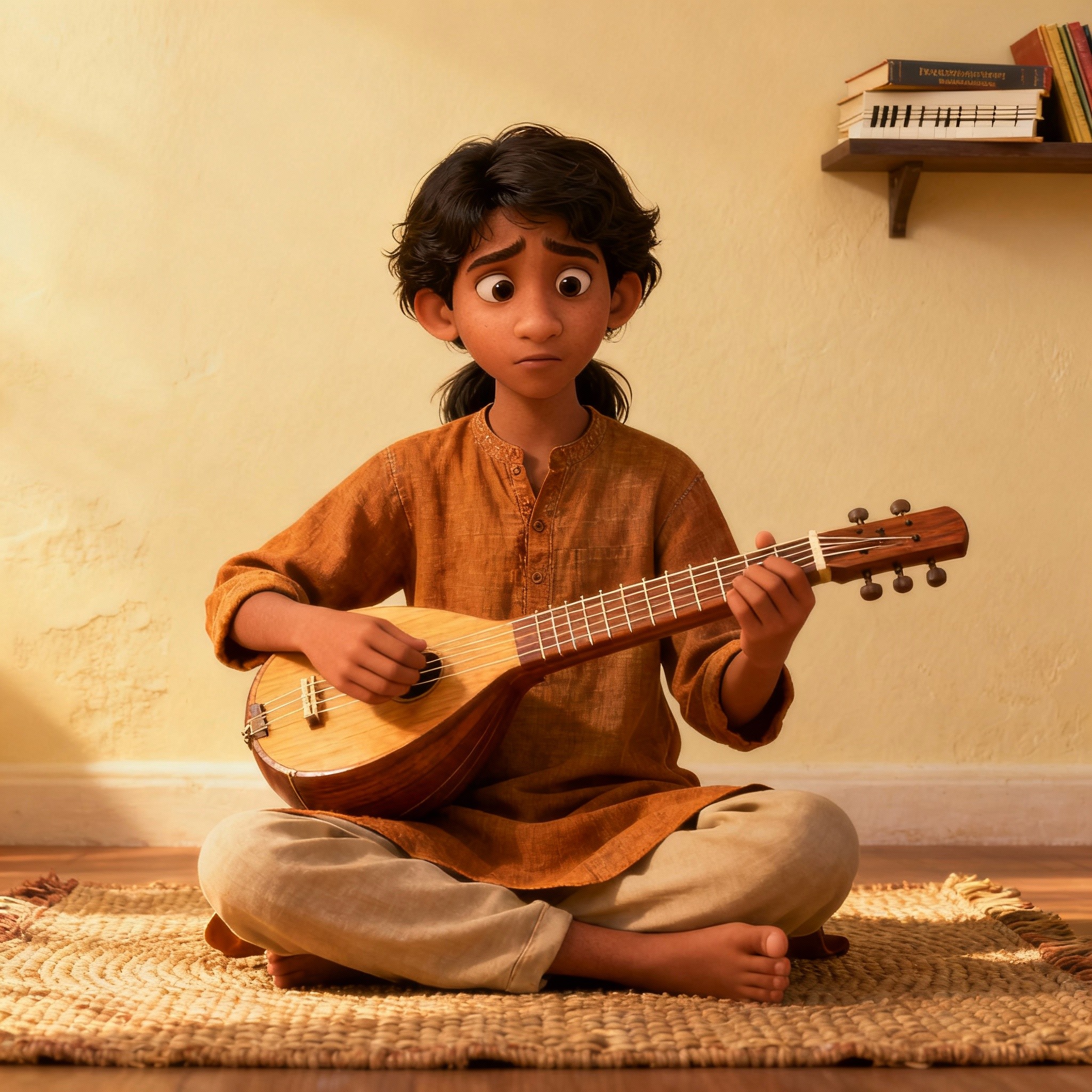
One Musician summed it up
perfectly: " Can't I have something like
All in one book content like we used to
get in CBSE 10th class "
❓ How Might We
How might we help Indian musicians learn piano through a structured, culturally familiar, and feedback rich experience that keeps them motivated?
Need
Indian Music
Real-Time feedback
Gamified Motivation
Structured Path
Simply Piano
❌
✅
❌
✅
Local Tutors
✅
❌
❌
❌
duolingo
❌
✅
✅
❌
Everyone solved some part of the problem.
Nobody solved the whole experience.
That became the opportunity.✨
The Solution Ecosystem
Introducing Eazytones
I shaped the product around one guiding arc:
Learn → Practice → Test → Track
A complete loop designed to make musicians feel guided, not lost.
The 0 -> 1 bringing the all in one app and transforming the experience
Learning the song? Learn with top teachers
Step 1: Watch tutorials
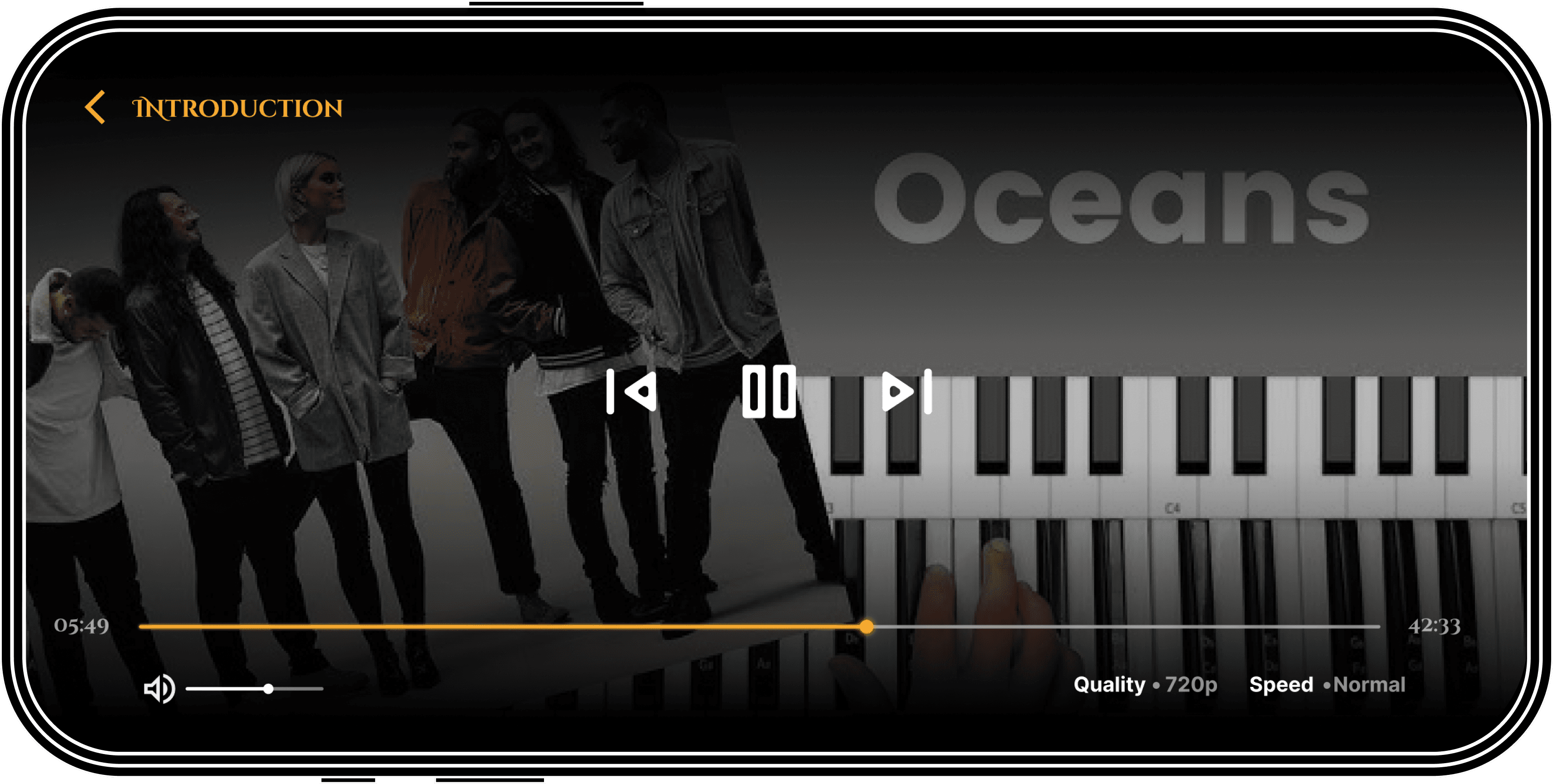
The Core Design Challenge: The Mobile MIDI Player
After learning the song by watching the tutorial, user will want to play first hand. Since we want want all in one app so midi player should be A mobile MIDI player that could be played virtually on the screen and also with a physical MIDI keyboard.
The problem
Lets see the current setup of a learner to practice a song
So, to master a song after you've seen it played, either by your teacher or on YouTube, you will pick up your piano and look for the music sheet online. If you find it, great! If not, good luck with YouTube.
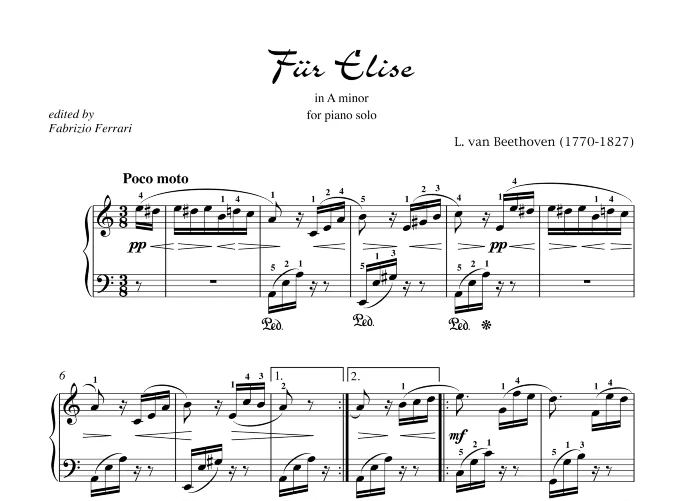
Sheets reading
yeah, lets bring out the piano sheets and play it on…
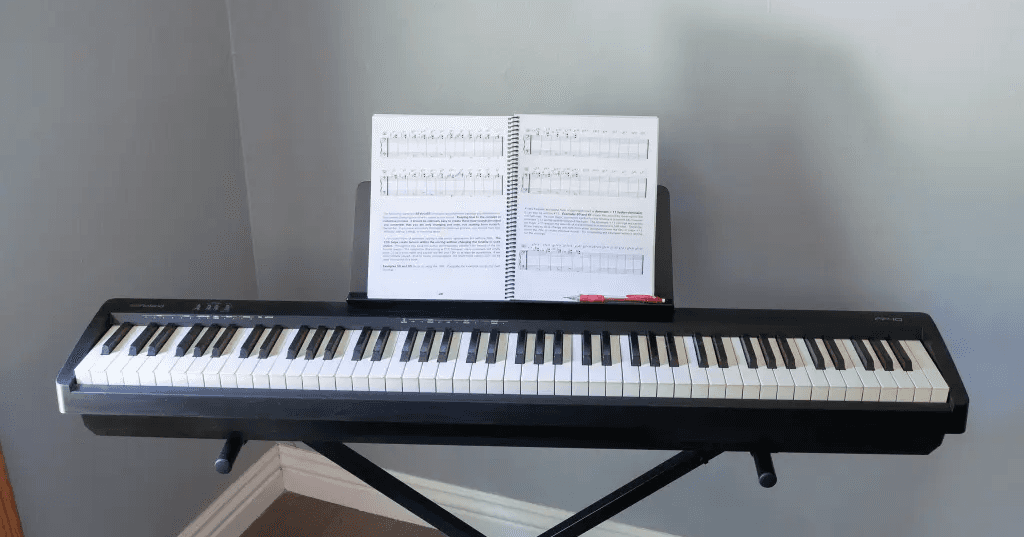
Musical keyboard
Practice with an actual instrument
A phone with youtube
If sheet is not availabe then open and search fot the song with chord and all
So how could we same offering on a mobile
How do we fit an 88-key piano experience, sheet music, and real-time feedback onto a 6-inch mobile screen without overwhelming the user?
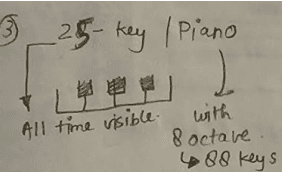
On display paino
Player should be able navigate on 88 keys as
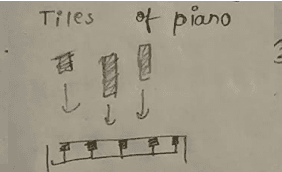
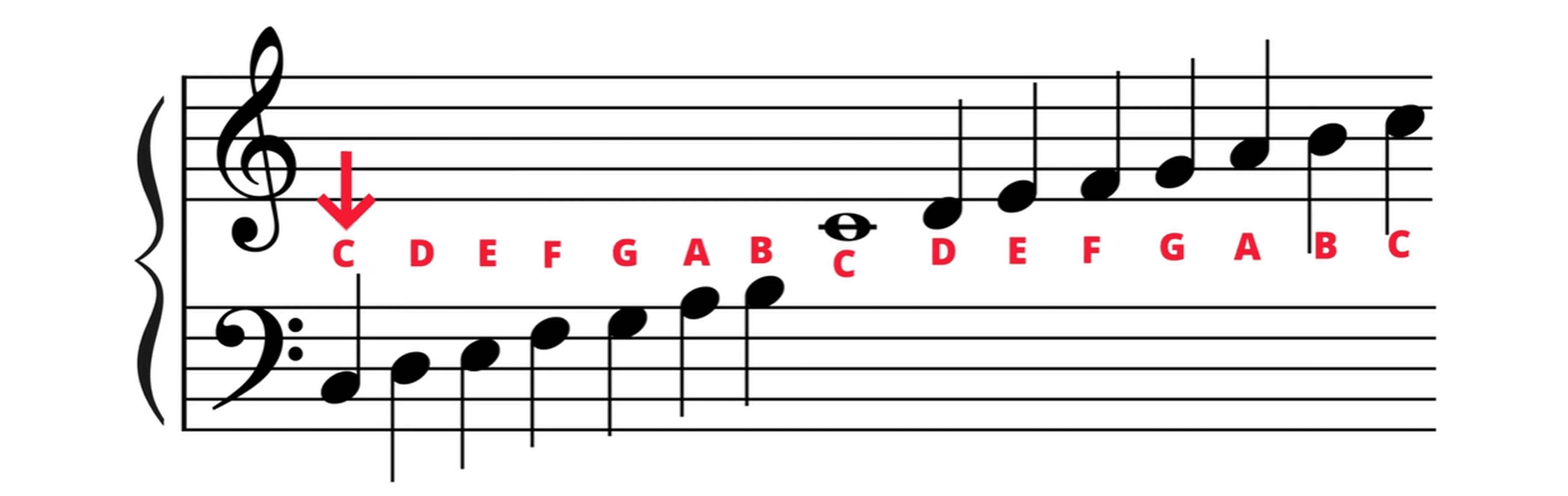
music sheets -> notes tiles
Visual cues replace complex notation.
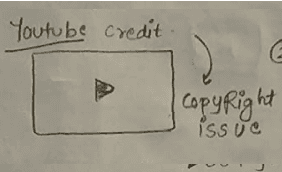
Youtube video
Whenever a song is played this should float on top
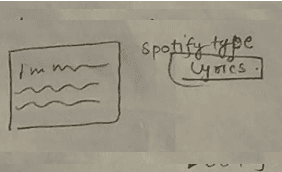
lyircs/chord mode
Display lyrics and chord progressions.
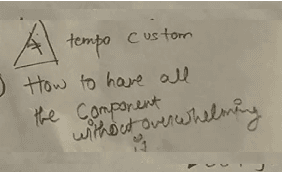
Tempo variation & metronome
Adjust playing speed and keep time.
ideate best midi player for indian musicans
Idea 1: The "Falling Tiles"
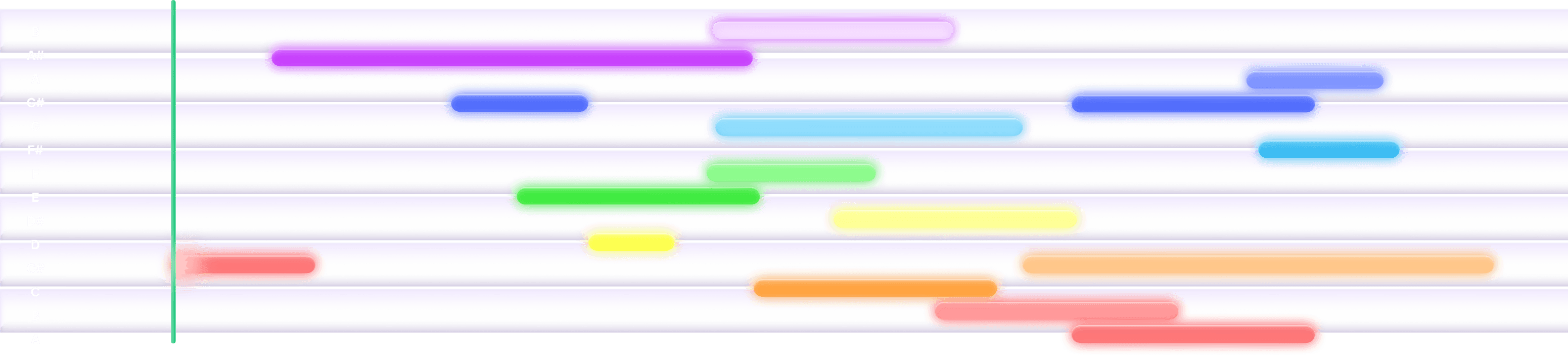
I initially leveraged the popular "falling tiles" model to lower the visual entry barrier. The goal was to use AI to map YouTube songs to this familiar format
❌ Testing revealed that users were simply "reacting" to falling shapes rather than anticipating notes. It gamified the experience but failed to teach actual musicianship.
Idea 2: From "Gaming" to "Reading"
Real sheet music is read Left-to-Right. To build transferable skills, the digital experience needed to mimic the physical mental model. I shifted to a Horizontal Timeline. This aligns with standard sheet music reading and matches the interaction patterns of industry leaders like Simply Piano, reducing the cognitive load for learners transitioning to real sheets.
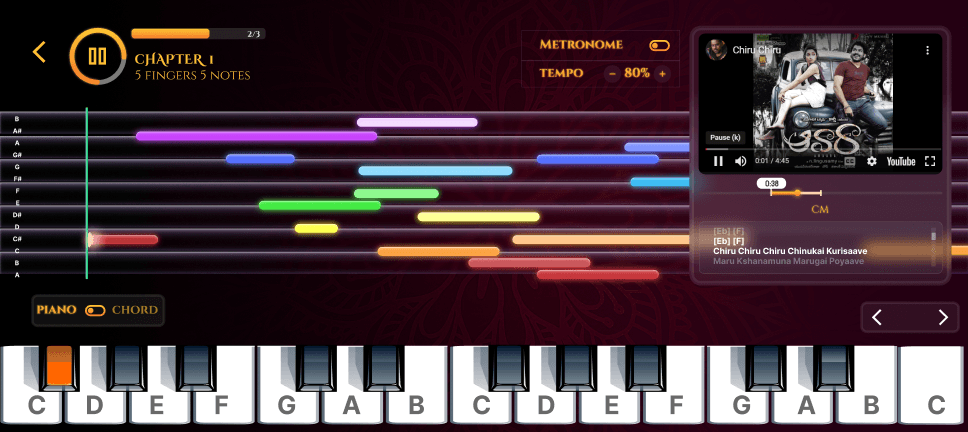
❌ Cognitive Overload: The interface was too dense. With too many competing interaction options on screen, users felt overwhelmed and struggled to focus on the primary task: playing the keys.
❌ Visual Noise (Split Attention): Floating lyrics proved to be a major distraction. Eye-tracking observation showed users were torn between reading the lyrics and tracking the notes, leading to more mistakes.
Idea 3: Simplify MIDI Player
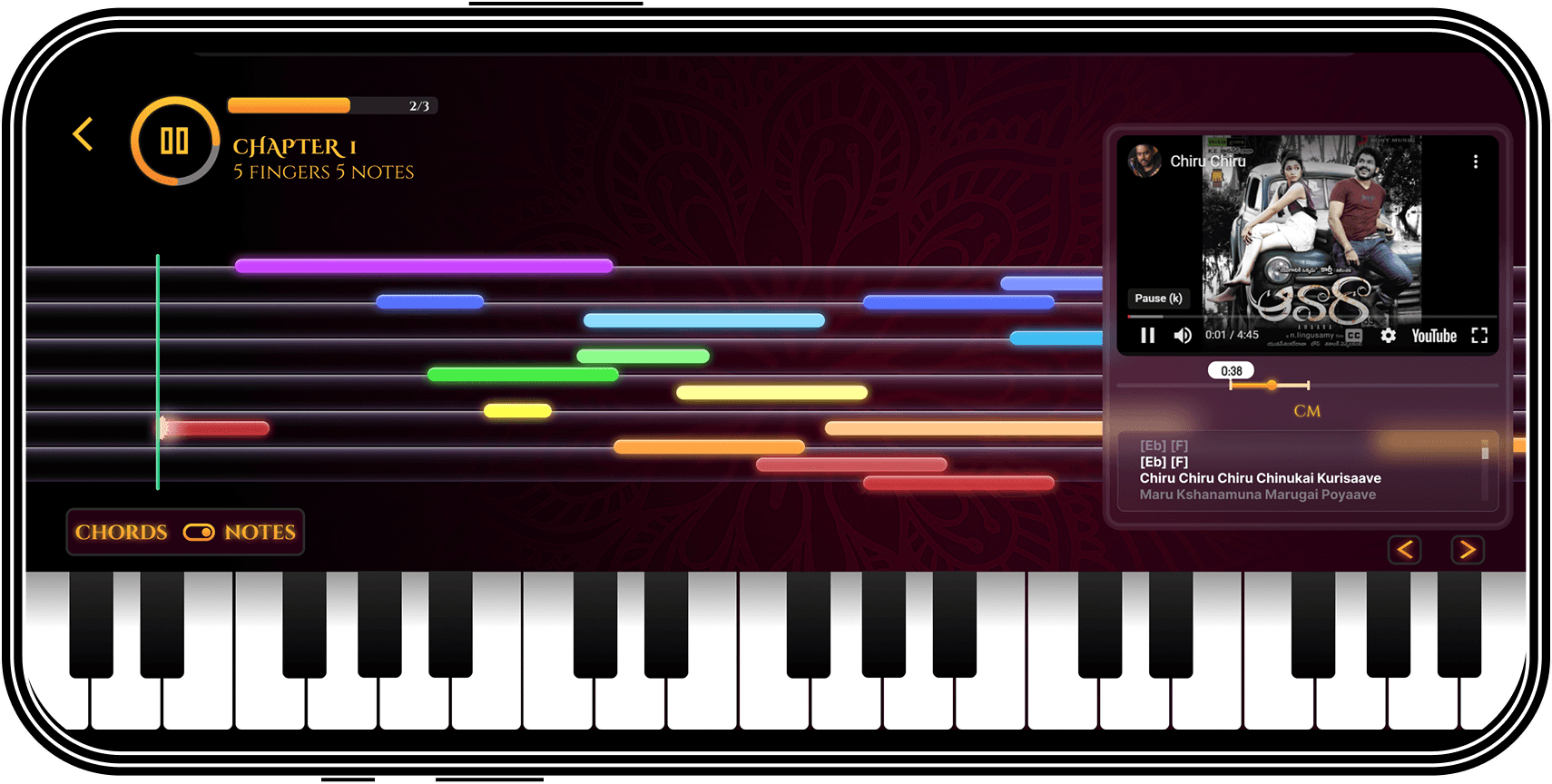
We reduced the number of choices on the screen so the user can focus only on playing and learning piano.
This involved two key decisions:
Collapsing the YouTube Screen: The embedded video screen was made expandable and collapsible.
Separating Lyrics/Chords: We removed the on-screen lyrics and chords from the main piano interface, making them accessible elsewhere to prevent distraction.
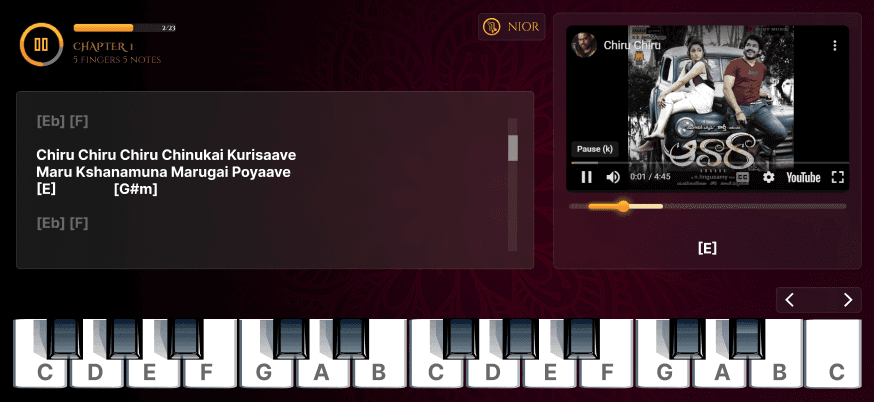
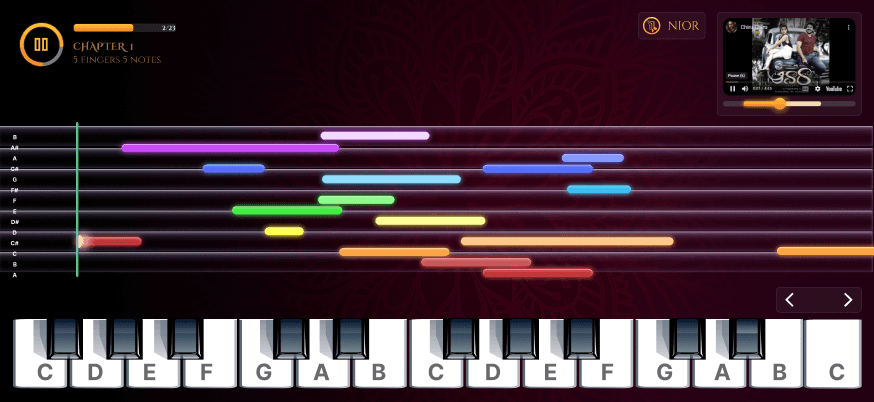
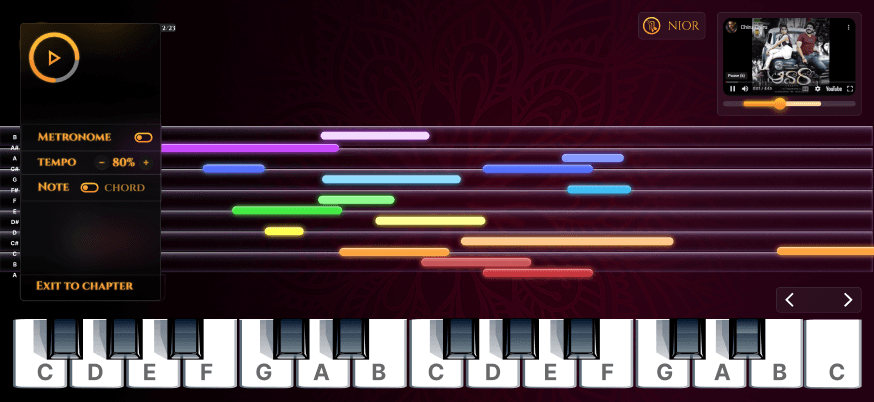
✅ The resulting design is clean and intuitive, featuring an AI assistant accessible via a tap to guide and track the user's playing in real-time.
so what actually this assittent AI do?
AI Practice Partner (Real-Time Feedback + Correction)
AI makes the MIDI player the best practice partner for Indian musicians reducing mechanical frustration, eliminating loneliness, and creating a guided learning journey.
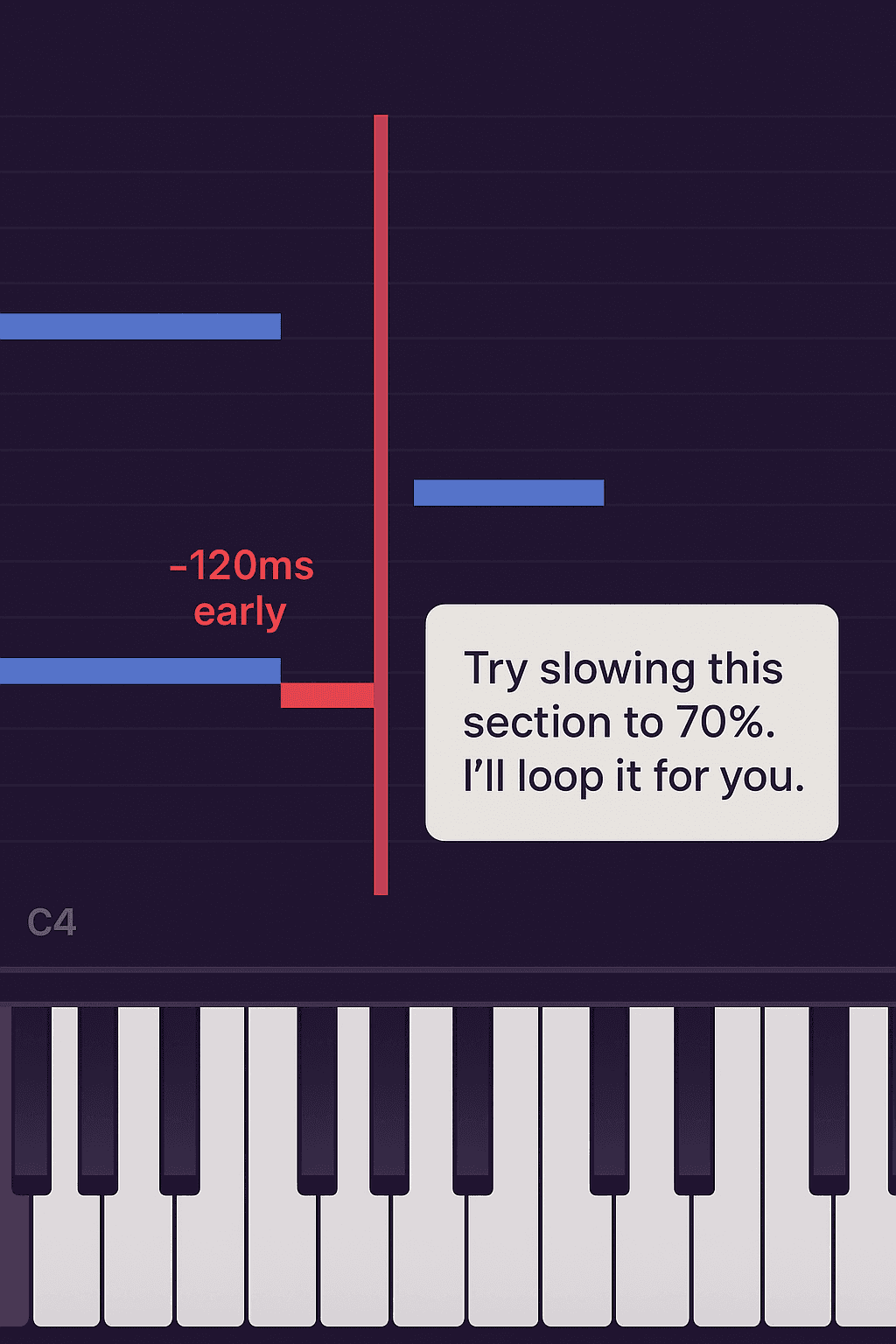
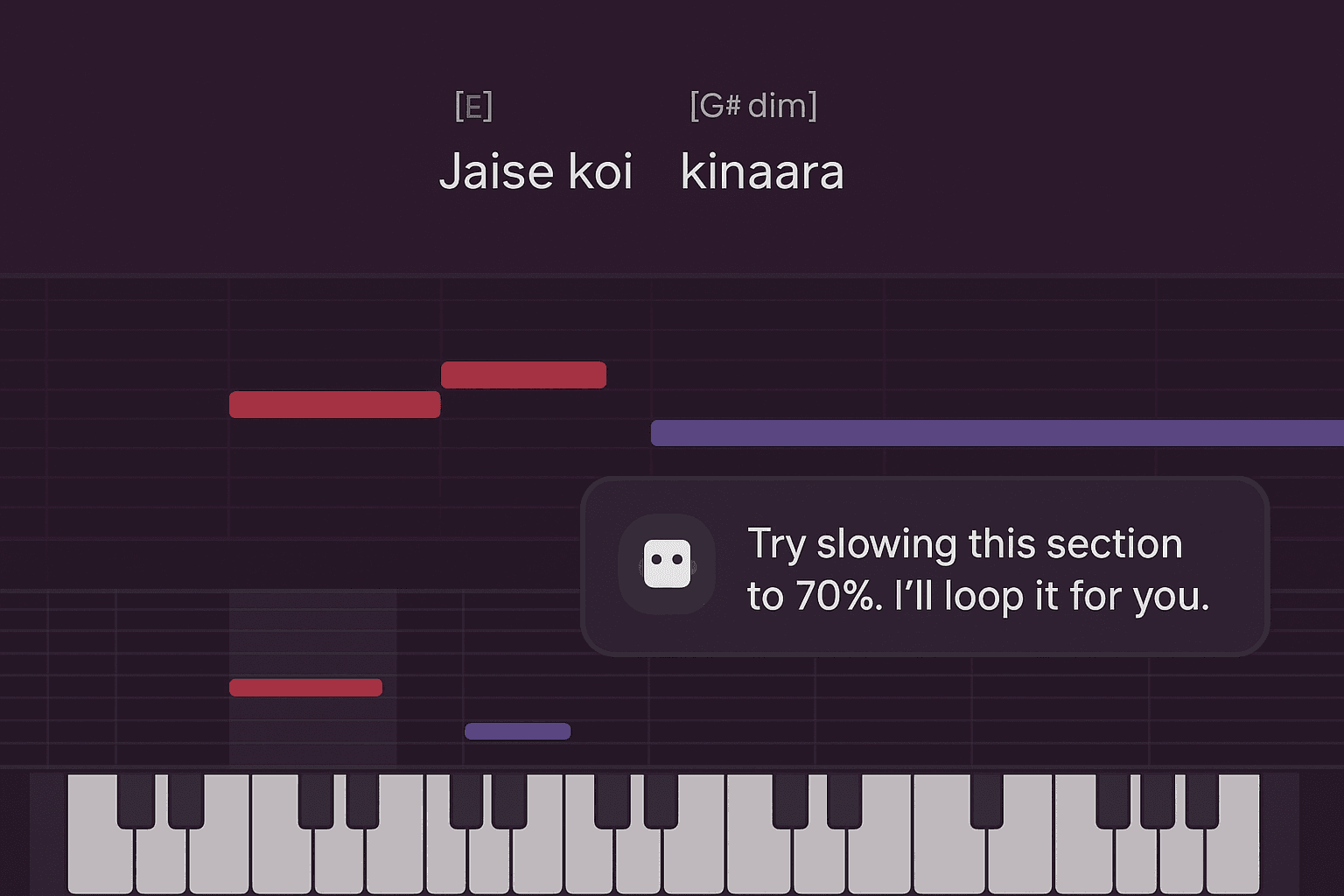
The image shows an AI practice partner that detects your mistakes with surgical precision and instantly adjusts the practice loop so you improve without feeling stuck or alone.
Want to Test your self?
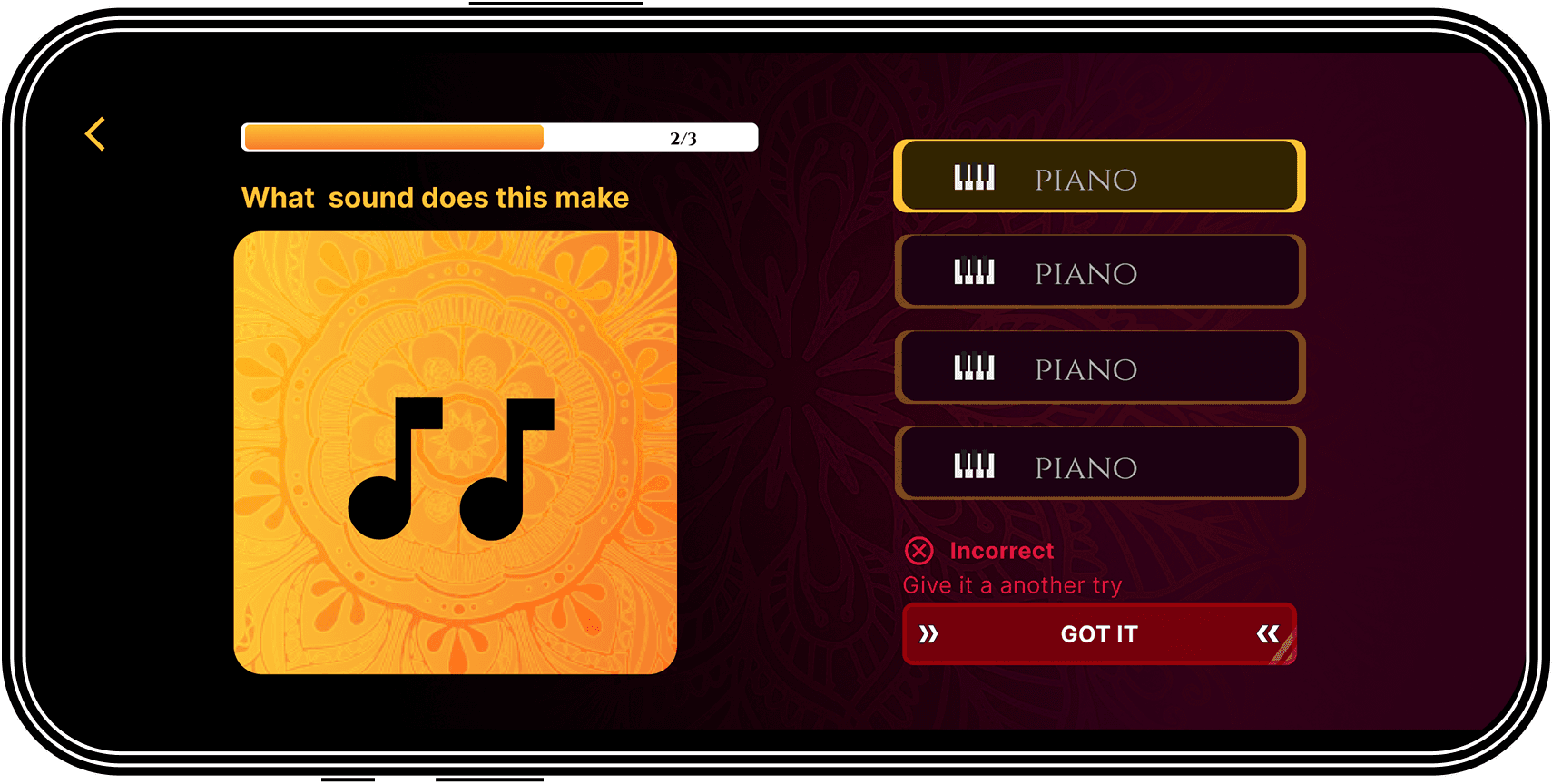
Quick quizzes
Pattern-recognition tests
Mini-challenges
Play-along tasks
Quiz screens and test yourself
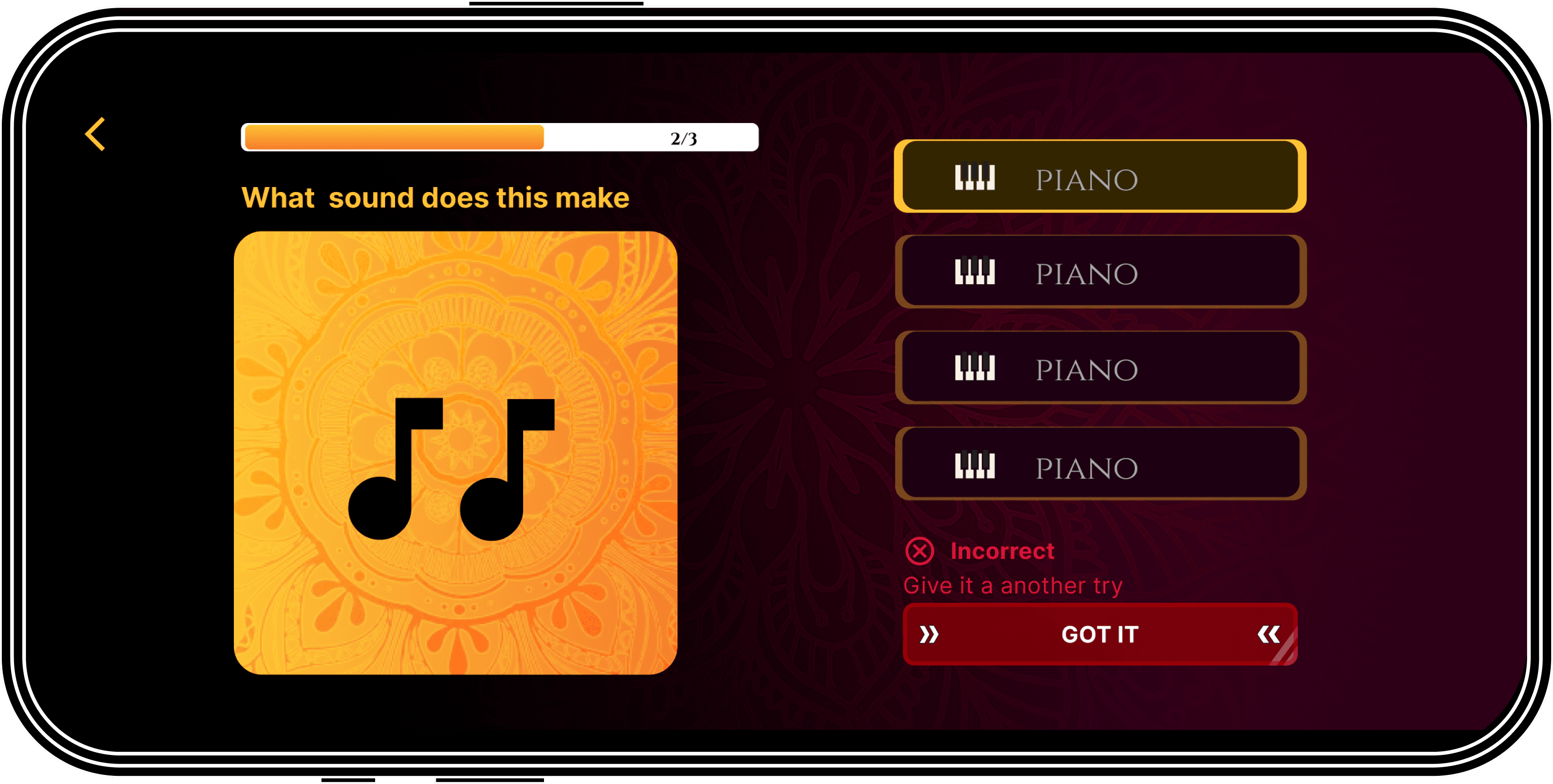
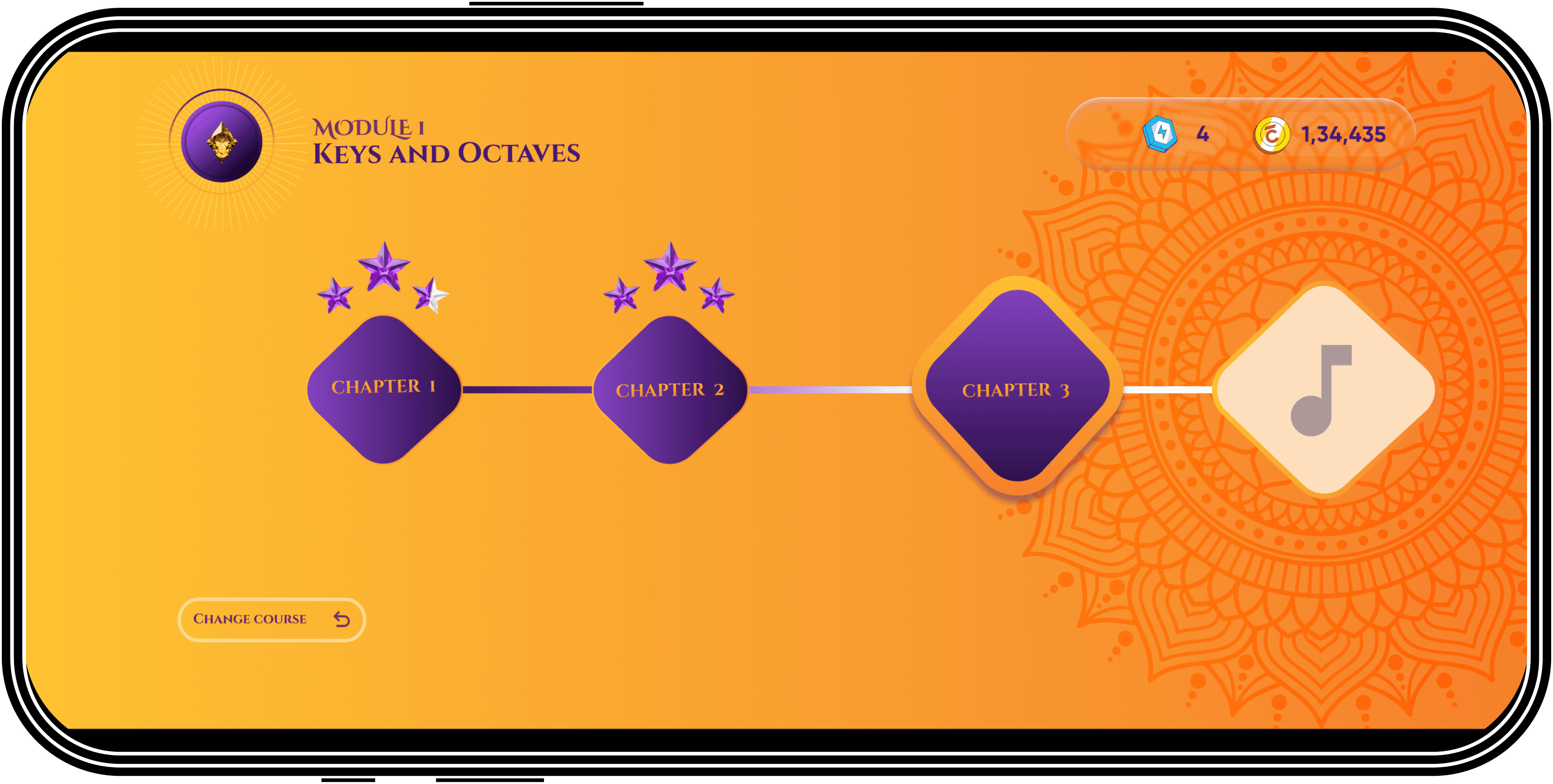
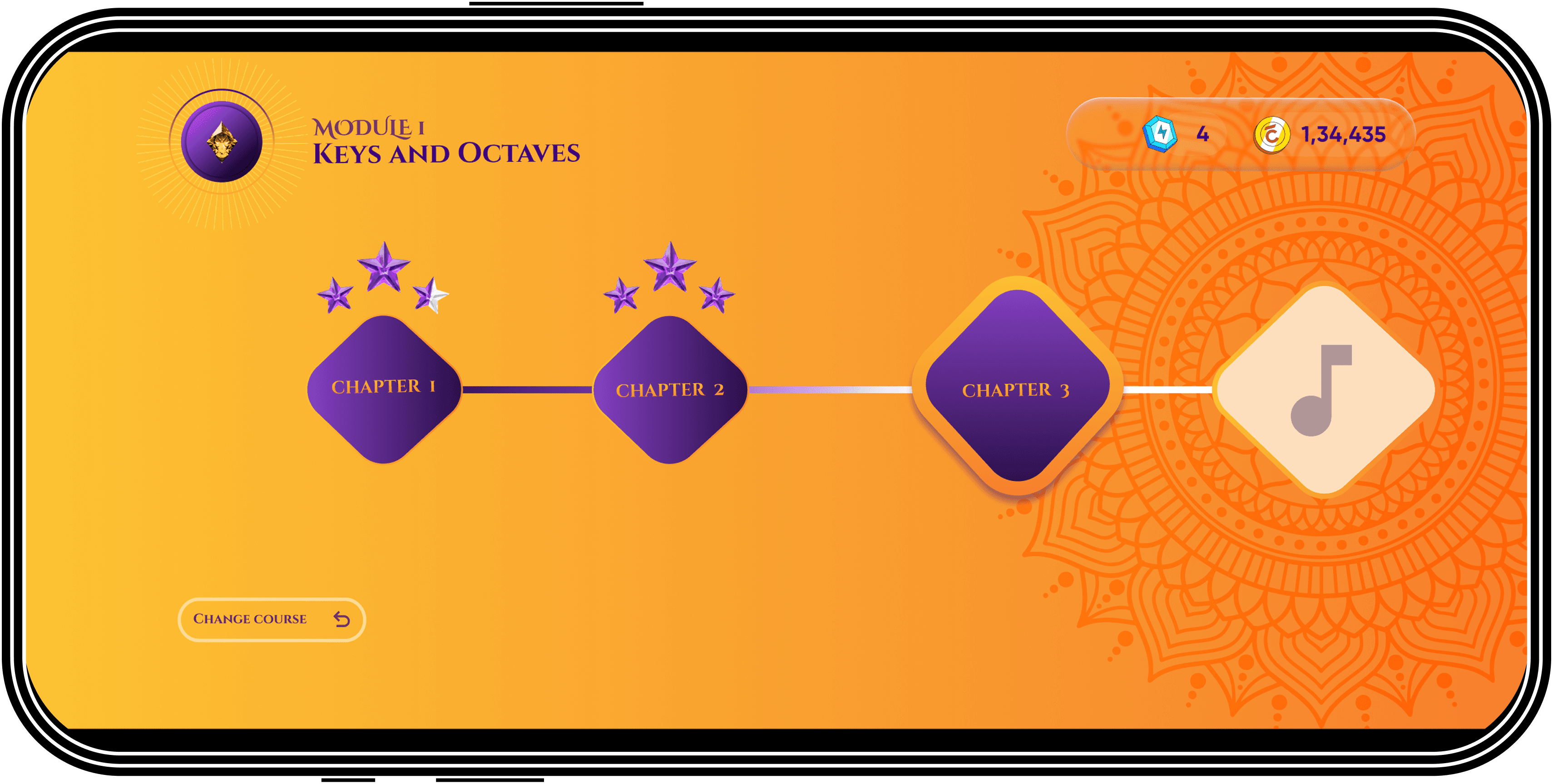
Tracking your progress make easy
I learned that
1. A better index and content page
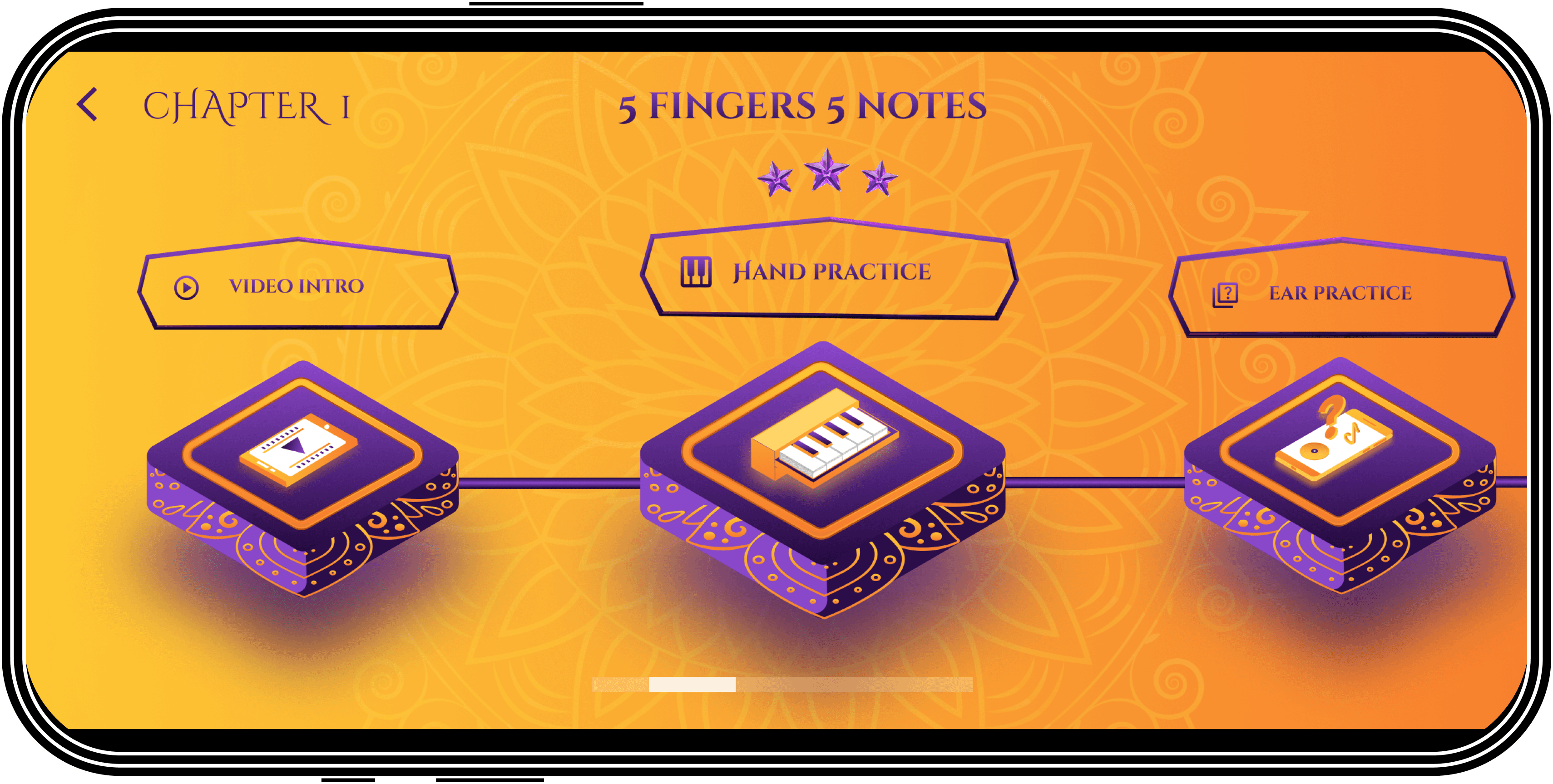
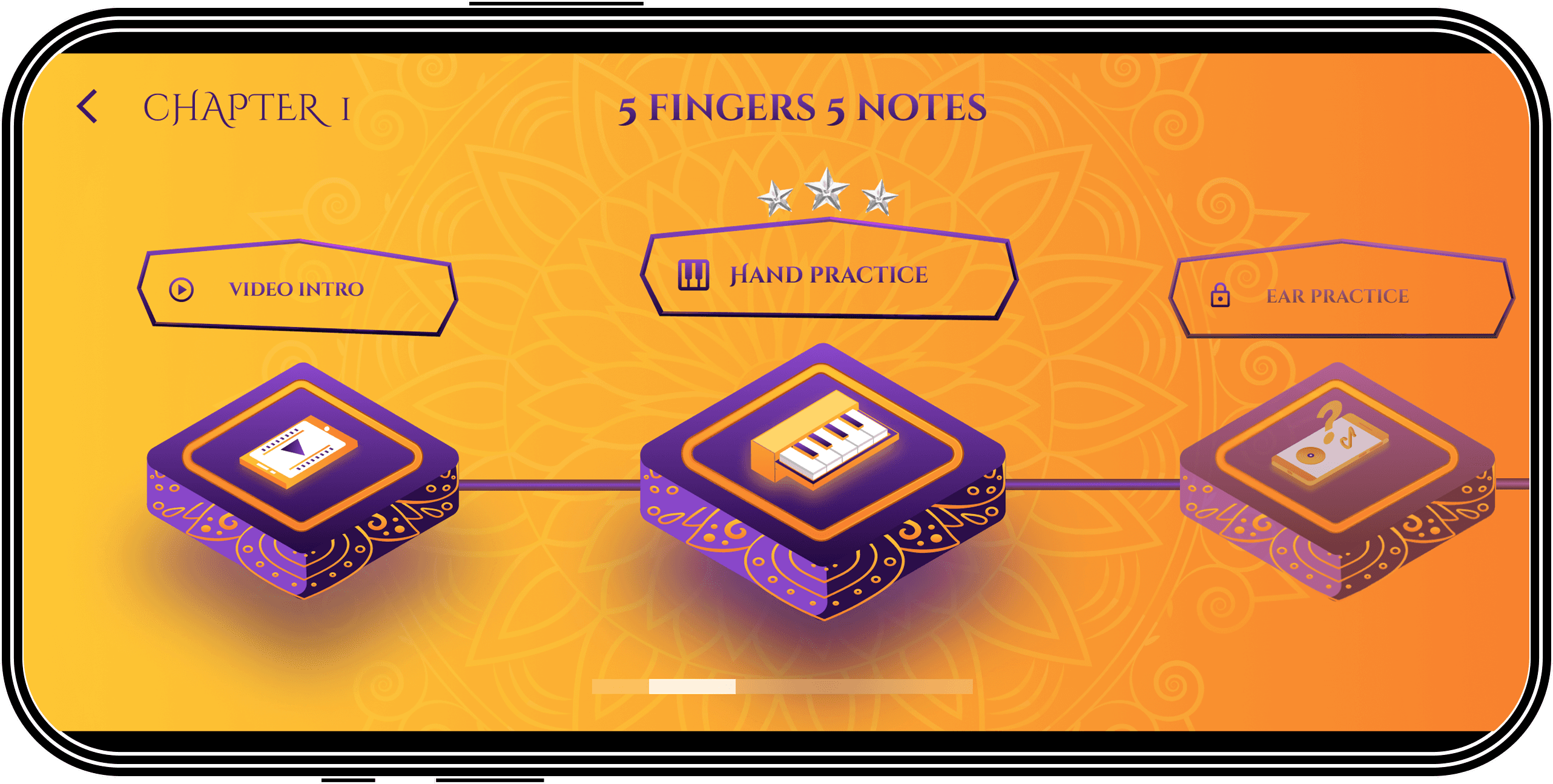
track your progess at every screen
See the jewels you earned and get confident boast
Module screens
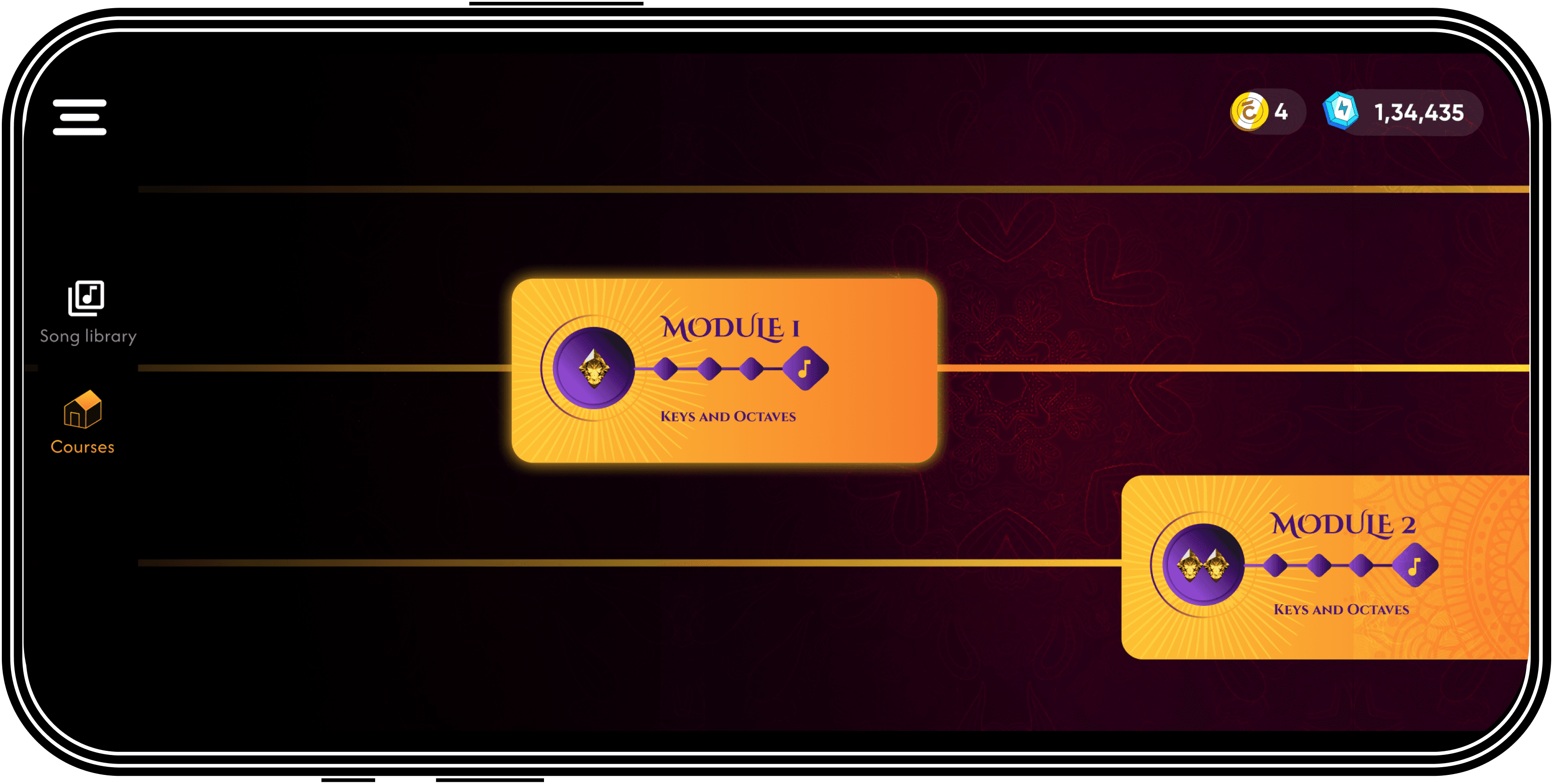
Chapter screen
Lesson screens
One user said:
“Seeing my streak made me want to open the app again.”
That was the emotional behavior insight I wanted.
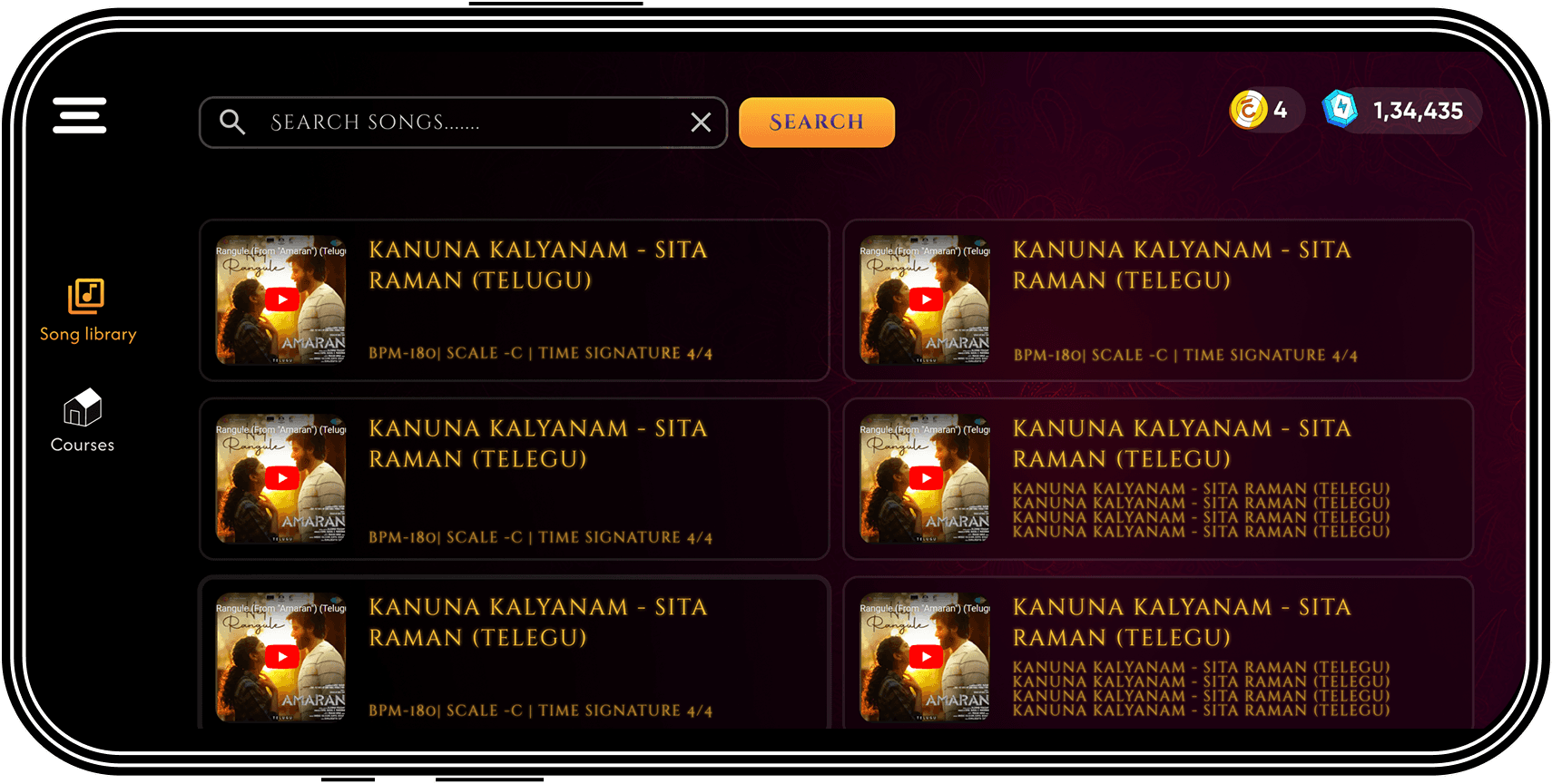
All the screens
Lets test it out on musicians
User testing to understand what users want to say
Tested it on 10 musicians, and 8/10 found it super engaging, easy to play and learn. They are all willing to learn their new songs using it.
Testing validated the core UX pillars:
cultural familiarity + clarity + confidence = engagement.
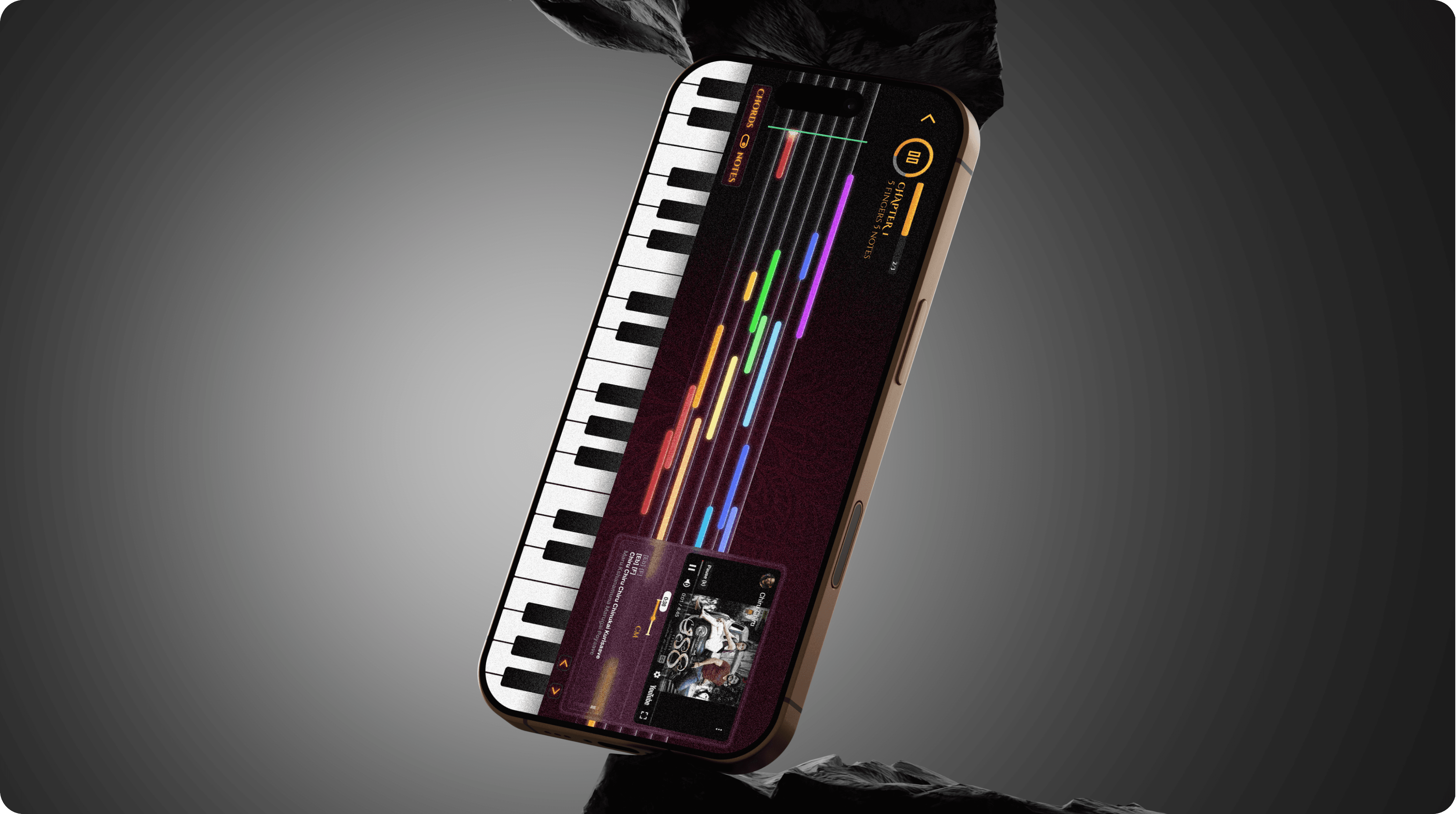
Developed Product
🚀 Phased rollout
After all the feedback and iteration, I synced with the developer and finally launched this project in the market. As of now, the founder reports that it has successfully taught 1.5k+ music students.
Signing Off !
🧠 Closing thought
This was one of my first live projects where I didn’t just “see” the product lifecycle I actually lived it. From early calls with the founders, to whiteboard sketches, to late night design iterations, to finally seeing the app go live on the Play Store… and real users playing it in real time. That feeling was unreal.